AI dental scribe for UK dentists

AI dental notes from the conversation you're already having.

Speak naturally. Your notes, letters and consent forms are drafted for you to review and copy into your practice software.

£40.99/month per dentist after the trial. Cancel during the trial to avoid being charged.

Example of what a consultation becomes: a drafted clinical note, plus a referral letter, patient letter, consent form or treatment plan from the same consultation, all ready to review. Shortened for this example.

From conversation to a draft ready to review.

Your conversation

Recording captured

7 min · LR6 pain review

It kept me awake the last two nights, painkillers barely touch it.

Your draft

Clinical note

Draft ready to review

Presenting complaint

Severe throbbing pain in LR6, kept patient awake. Pain 8/10.

Examination

LR6 tender to percussion. No swelling. Vitality test negative.

Diagnosis

Irreversible pulpitis, LR6.

Plan

Root canal treatment scheduled. Analgesia advised.

Shortened for this example. Each section continues in the full draft.

Referral letterDrafted from the same consultation, for review
Copy to PMSNothing reaches your PMS until you copy it.
Try the interactive demo
1,000+
dental professionals
200,000+
AI Notes generated
98.8%
no or minor edits · UK sample

Rated 5.0 on Capterra and Software Advice

317 of 321 notes were unchanged or had only minor edits at first approval or copy in a UK sample on 16 November 2026.

How this sample was measured

Notes generated from 15:00 to 19:53:50 UTC on seven built-in templates in a two-model test. Each note counted once, at its first approval or copy. Internal and test accounts were not explicitly excluded. This measures editing, not clinical accuracy, and does not represent all notes or templates.

Featured in a 2025 peer-reviewed reviewUK MDR Class ICyber EssentialsNHS DSPTHIPAA-aligned US

Dentists using AI Notes

Used in real surgeries, every working day.

A dentist’s experience

From an hour of evening letters to a few minutes

Dr Dhroov Thanki explains how AI Notes fits into his clinical notes, patient letters and correspondence with referring dentists.

Watch Dhroov’s story

Time saving reported by Dhroov in his own practice. Individual results vary.

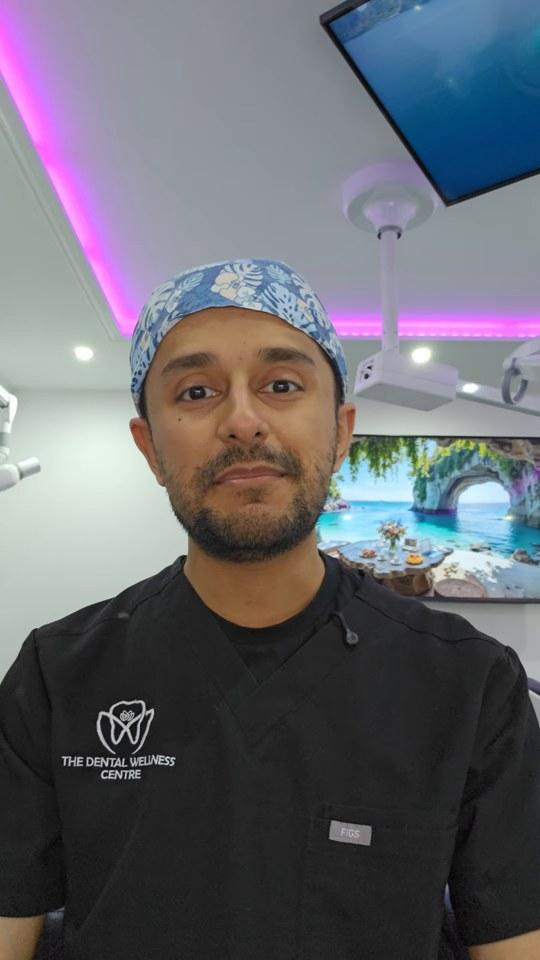
Dr Dhroov ThankiDentist with a special interest in periodontics
“Normally I'd be spending at least an hour at the end of every single day writing all my letters, but now it's been done within just a few minutes.”

A dentist’s experience

More time with patients, less time writing up notes

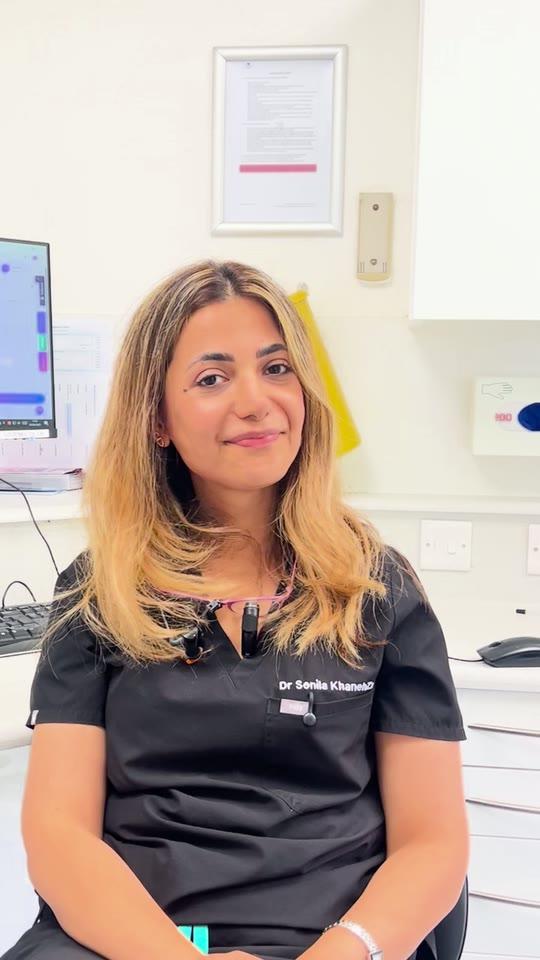
Dr Sonila Khanieh explains how AI Notes gives more time with patients, and helps with treatment plan summaries and referral letters.

Watch Sonila’s story

Sonila’s experience after six months of use, recorded September 2025. Individual results vary.

Dr Sonila KhaniehGeneral dental practitioner
“It gives me so much time to spend with my patient and less time to write up notes. I cannot see myself going back to writing notes.”

A dentist’s experience

Less time typing, more comprehensive notes

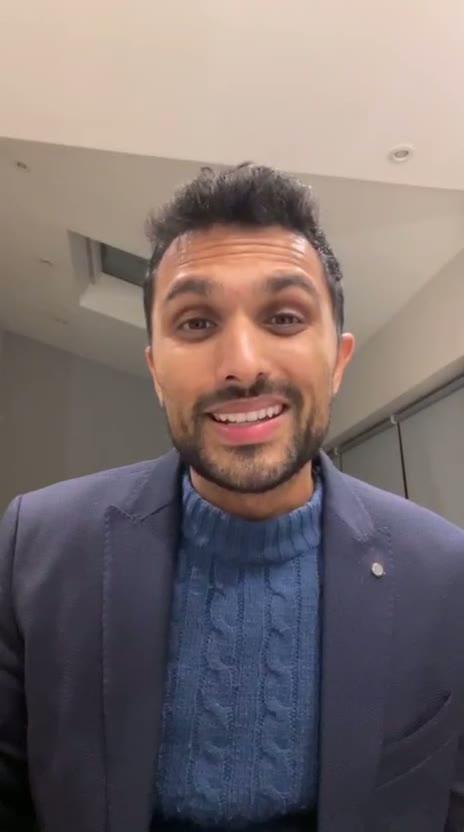
Dr Paras Malde explains how AI Notes has saved time on typing notes, and how the portfolio of before and afters is used to show patients.

Watch Paras’s story

Based on Paras’s own experience. Individual results vary.

Dr Paras MaldeDentist with an interest in restorative dentistry and prosthodontics
“Being a busy dentist, I've just saved a lot of time from typing my notes, and it gives a much more comprehensive output than I would or my nurse would physically write.”

A dentist’s experience

“A game changer” for an award-winning aesthetic dentist

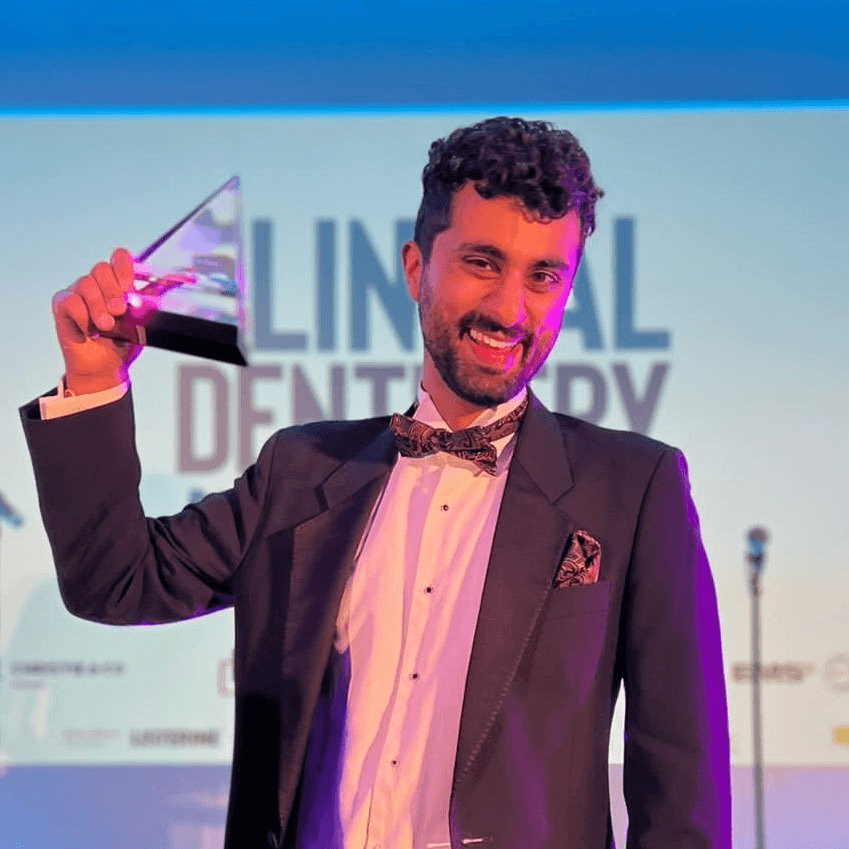
Dr Nikhil Kanani explains how AI Notes helps him save time, be more efficient and enjoy his dentistry more.

Dr Nikhil KananiBest Young Aesthetic Dentist winner
“The AI Notes feature has definitely been a game changer. Save time, be more efficient and enjoy your dentistry more.”
Dr Michael AnamanTime-saving notes, letters, referrals, and emails from one workflow.
Moved from Heidi
“Instead of spending half an hour typing, I am able to click a document into existence within 5 minutes.”
Dr Ricky DuggalSaving time writing up notes in real clinics.
Moved from Heidi
“Finally, AI that actually understands dentistry. Not just generic transcription.”
Dr Minesh PatelContemporaneous and easy to use.
Moved from Kiroku
“It allows me to spend more time listening to my patients and less time typing. I love it!”
Dr Mihir NanavatiUses AI Notes for every consultation.
“Saves me hours of time doing my notes and admin every evening.”
Dr Alex WanUses notes and letters across the clinical workflow.
“Comprehensive contemporaneous notes.”
Dr Calum HutchisonShows why notes and letters together matter.
“The patient generated letter saves so much time and thought.”
21/22surveyed users use AI Notes for every or most consultations
22/22surveyed users had already recommended AI Notes
9.6/10average recommendation confidence

Survey figures are from Dentistry Dashboard AI Notes user responses collected from 13 to 27 February 2026 (n=22).

See it working

Watch a consultation become a note.

The walkthrough takes 3 minutes. Short on time? The tour is 46 seconds.

AI Notes walkthrough · 3 minutes
AI Notes and the rest of Dentist Zone · 46 seconds
The WorkflowInteractive Demo

From conversation to draft dental notes.

Explore a simulated consultation, draft note and patient letter. Review and edit AI-generated documents before using them.

Ready to capture?

Click below to simulate recording a patient consultation.

Around your consultation

Make the next part of your day easier, too.

Start with your clinical note. Use the same consultation to prepare patient communications, with every draft yours to review.

Give patients a plan they can revisit

Create an interactive Care Plan with treatment options and fees. Review it, then share it by email or WhatsApp so patients can read it at home.

Optional alerts let you know when a patient opens their plan or views its finance options, helping you decide when to follow up.

Prepare your day’s note drafts in one go

Paste your appointment list or upload a PDF. Check the imported appointments, then create separate drafts ready for your consultations.

You choose which drafts to create. Add the clinical details during or after each appointment.

Make the most of each consultation.

Draft your notes, prepare patient documents and save the wording you prefer.

Notes drafted as you talk

Your consultation becomes a structured draft note, ready for you to review and edit before it goes into the patient record.

Patient & Referral Letters

Generate letters from the same conversation, then chat with the built-in style coach or add example letters to match your tone, structure, and wording.

Save your wording preferences

When AI Rewrite spots a reusable change, it suggests a My Extra Instruction. You decide whether to save it for future notes and documents.

AI Rewrite

Preference found

Your choice

Save instruction

Prepare consent documents

Draft consent forms and treatment plans from your conversation. Review them before use and document the consent discussion with your patient.

Try everything for 14 days.

The 14-day full-access trial lets you test unlimited daily AI Notes, longer consultations, letters, referrals, consent forms, and treatment plans.

For Clinicians

AI Dental Notes Full Access

£40.99/month

per dentist · VAT included

  • Unlimited Daily AI Clinical Notes
  • Longer Consultations
  • Referral Letters & Consent Forms
  • Treatment Plans & Patient Packs
  • All Clinical Templates Included
  • Custom Instructions & Workflow Templates
  • Works With Your Existing PMS
  • Priority Support

Works alongside ANY software, including:

SOER4DentallyCarestream& All Others
Start 14-day full trial

£40.99/month per dentist after the 14-day trial. Cancel during the trial to avoid being charged.

Comparison Snapshot

Why standalone buyers pick Dentistry Dashboard Notes

Most dentists comparing AI notes tools are really deciding between general medical scribes, note-only tools, and bigger software changes. Dentistry Dashboard Notes is designed to keep the notes workflow standalone while still giving you more output from the same appointment.

Versus generic medical scribes

Built for dental note structure, patient-friendly letters, consent output, and workflows that fit a surgery rather than a general clinic.

Versus template-only note tools

One conversation becomes a structured note, referral letter, and consent output without stitching together multiple tools.

Versus full PMS replacement projects

Start with notes only, keep your current PMS, and add wider Dentistry Dashboard tools later only if they help your team.

Decision PointDentistry Dashboard NotesGeneric Medical ScribesStandalone Note Tools
Dental-specific note structureBuilt for dentistsUsually medical-firstUsually template-led
Referral letters from the same conversationIncludedSometimesVaries
Consent output from the same conversationIncludedRareVaries
Works with your current PMSYesUsuallyUsually
Start as a standalone notes workflowYesYesYes
Add wider practice tools later if you want themAvailableNoNo

Category snapshot based on common buying criteria. Use the comparison pages above for full product-level detail and side-by-side breakdowns.

Free Dental Notes Templates.

Ready-made dental notes templates, from routine exams to root canals, so your draft comes out in the structure you want. Change any of them or add your own.

Routine Examination

Presenting Complaint

Medical History

Extraoral Examination

Intraoral Examination

Template: General Exam

Emergency (Pain)

Presenting Complaint

History of Complaint

Clinical Exam

Template: Emergency

Composite Filling

Procedure

Anaesthesia

Clinical Procedure

Template: Treatment

Referral Letter

Recipient

Patient Details

Reason for Referral

Clinical History

Template: Referral

Hygiene Visit

Periodontal Assessment

Oral Hygiene Instruction

Treatment

Template: Hygiene

Root Canal Stage 1

Diagnosis

Procedure

Dressing

Template: Endodontics

Surgical Extraction

Indication

Procedure

Closure

Template: Surgery

Ortho Assessment

Skeletal Assessment

Dental Assessment

IOTN & Plan

Template: Orthodontics

Routine Examination

Presenting Complaint

Medical History

Extraoral Examination

Intraoral Examination

Template: General Exam

Emergency (Pain)

Presenting Complaint

History of Complaint

Clinical Exam

Template: Emergency

Composite Filling

Procedure

Anaesthesia

Clinical Procedure

Template: Treatment

Referral Letter

Recipient

Patient Details

Reason for Referral

Clinical History

Template: Referral

Hygiene Visit

Periodontal Assessment

Oral Hygiene Instruction

Treatment

Template: Hygiene

Root Canal Stage 1

Diagnosis

Procedure

Dressing

Template: Endodontics

Surgical Extraction

Indication

Procedure

Closure

Template: Surgery

Ortho Assessment

Skeletal Assessment

Dental Assessment

IOTN & Plan

Template: Orthodontics

AI Dental Transcription

How AI Dental Transcription Works in a Real Clinic

Our AI dental transcription workflow is built for clinical conversations, not generic dictation. It listens to speech, identifies the clinically relevant parts, and structures them into dental notes, letters, and consent documents.

Clinical note automation workflow (step-by-step)

  1. 1

    Voice capture during the appointment

    You speak naturally while examining and treating the patient. The system captures spoken content without forcing rigid voice commands.

  2. 2

    AI dental transcription and terminology recognition

    Speech is transcribed and mapped to dental terminology such as tooth notation, restorative surfaces, periodontal terms, and common treatment wording used in UK practices.

  3. 3

    Clinical structure extraction

    The AI separates presenting complaint, HPC, O/E findings, investigations, diagnosis, treatment provided, advice, and follow-up rather than returning a single block of transcript text.

  4. 4

    Template formatting and output generation

    The note is formatted to your selected appointment type or custom template, then can be repurposed into referral letters and consent forms from the same clinical context.

  5. 5

    Fast review before copying into your PMS

    You remain in control. Review, edit if needed, then copy the final note into SOE, Dentally, Carestream, R4, or any other dental PMS you already use.

Voice to text accuracy in dentistry: what matters

Dental voice to text accuracy is not only about transcribing words correctly. It is about understanding clinical meaning. A generic speech-to-text tool may hear the words, but still fail to produce usable dental notes.

Dental-specific terminology handling

The system is designed for terms such as MOD composite, pericoronitis, extirpation, BPE, and dental charting language, so the output is clinically useful rather than generic prose. For voice-driven 6-point pocket charts see Voice Perio Charting.

Context-aware note building

The AI distinguishes between patient comments, examination findings, and treatment actions, which reduces editing time and improves clarity in the final clinical note.

Accent and phrasing variability

UK dentistry teams use different accents, shorthand, and speaking styles. The workflow is built to support natural speech rather than forcing every clinician to dictate in the same scripted format.

Template guidance improves consistency

Custom templates and instructions help the AI produce more consistent note structure across clinicians, reducing variation between users and supporting audit-ready records.

AI Notes vs Dictation

AI Dental Notes vs Traditional Dictation Software

Traditional dental dictation software can transcribe speech. AI dental notes software goes further by understanding clinical context, structuring the note, and helping automate downstream documents.

What you needTraditional dictation / speech-to-textAI dental notes workflow
Dental terminology outputMay transcribe words, but often needs manual correction and formatting.Designed to recognise dental phrasing and produce structured clinical wording.
Note structureUsually returns raw text that you organise manually.Automatically separates complaint, findings, diagnosis, treatment, advice, and follow-up.
Editing timeHigher editing load after every appointment.Shorter review cycle because formatting and headings are already generated.
Letters and consent documentsUsually separate manual writing step.Can generate patient letters, referral letters, and consent forms from the same note context.
Template consistencyRelies heavily on each clinician remembering structure.Supports templates and custom instructions for more consistent records.
PMS workflowPaste transcript, then rewrite or reformat.Paste a clinically structured note that is closer to final form.

Before: manual notes or dictation workflow

  1. 1.See patient and make mental notes or rough scribbles while trying to stay engaged in conversation.
  2. 2.Dictate or type a transcript after the appointment, often when details are less fresh.
  3. 3.Reformat the text into a proper clinical note with headings, findings, diagnosis, options, and treatment.
  4. 4.Write separate patient letters or referral letters manually if needed.
  5. 5.Catch up later in the day if the clinic runs behind, increasing admin time and fatigue.

After: AI dental notes workflow

  1. 1.Speak naturally during the appointment while staying focused on the patient and procedure.
  2. 2.The AI produces a structured note using a dental notes template format matched to the appointment type.
  3. 3.Review and adjust wording quickly rather than building the note from scratch.
  4. 4.Generate related documents such as referral letters or consent forms from the same clinical context.
  5. 5.Copy the final note into your PMS and move to the next patient with less backlog.
Compliance & Security

GDC, GDPR, and Data Security for AI Notes in Dentistry

Trust badges matter, but dentists also need practical answers. This section explains how AI notes fit into UK record-keeping expectations, GDPR responsibilities, and day-to-day security requirements.

How AI notes support GDC record-keeping standards

AI can help produce more complete and consistent records, but the clinician remains responsible for the final content. The value of AI dental notes is that they make it easier to capture the details that are commonly missed when documenting at speed.

  • Contemporaneous notes: notes can be generated during or immediately after the appointment, reducing end-of-day reconstruction.
  • Clear structure: headings for complaint, findings, diagnosis, treatment, and follow-up improve readability for handovers and audits.
  • Options and consent discussions: AI can help standardise documentation of risks, benefits, alternatives, and patient decisions.
  • Post-op advice and review plans: frequently omitted items can be consistently included through templates and prompts.

GDPR and AI in dentistry: practical security expectations

UK dental practices need more than marketing claims. They need to know how data is handled, who has access, and how AI fits into existing governance processes. Our approach is designed to support secure dental documentation workflows while fitting alongside your current systems.

Data minimisation

Capture and process only what is needed for the clinical documentation task.

Access control

Role-based access and account security are critical for protecting patient information.

Encryption in transit and at rest

Security design should protect data while it is being transmitted and stored.

Auditability and governance

Practices should be able to evidence processes, policies, and user responsibilities.

For a broader overview of controls and governance, see our GDPR and compliance guidance for dentistry.

PMS Integration Workflow

Works With Your Dental PMS

AI Notes is designed to fit your existing clinical workflow. You do not need to replace your practice management software to use AI dental notes, dental transcription, or generated letters.

SOEDentallyCarestreamR4ExactPlus other systems

1. Generate the note

Capture the appointment and review the AI-generated dental note, referral letter, or consent form.

2. Copy the final output

Use the structured note output rather than a raw transcript to reduce manual reformatting.

3. Paste into your PMS

Paste into your existing record system and continue your normal charting and billing workflow.

Why this matters for implementation

Many practices delay adopting AI because they assume it requires a full software migration. In reality, most teams want a faster route: improve clinical note quality and reduce admin time without retraining the whole practice on a new PMS.

A copy-and-paste AI notes workflow keeps rollout simple. Dentists can start with one clinician, validate note quality, refine templates, and then expand across the team once the process is working well. This makes adoption lower risk and easier to measure.

It also means AI dental notes can support mixed environments where different clinicians or sites use slightly different PMS configurations.

Multilingual Workflows

Multilingual AI Dental Notes and Translation

AI Notes can support multilingual clinics by combining transcription locale support with translated note output. This helps teams document appointments in a structured format and generate notes in the language they need for their workflow.

How language support works in practice

Choose a transcription locale

Select the locale that matches the clinician speech pattern. Fast transcription support is available for selected locales, while others can be enabled on request.

Generate structured AI note output

The AI structures the consultation into clinical headings, then can generate notes, referral letters, and consent forms with consistent formatting.

Translate the output into your preferred language

Output notes can be translated into the language your team needs. Clinicians should review the final text before saving it to the patient record.

Example AI Dental Note (Template Output)

A complete example of the type of structured clinical note our AI generates from a real appointment conversation. This helps dentists evaluate note quality before starting a trial.

Emergency Appointment Example

AI Dental Notes Example: Emergency Pain Visit (LR6)

Clinical Note: Emergency (Pain)

Example structured output for an AI dental scribe / dental transcription workflow (UK format).

Presenting Complaint

Patient attended as an emergency reporting severe throbbing pain from lower right first molar (LR6), pain score 8/10, worsening over 48 hours and disturbing sleep.

History of Presenting Complaint (HPC)

  • Onset: 2 days ago, increasing in intensity.
  • Character: Throbbing, constant, radiates towards right ear.
  • Exacerbating factors: Hot drinks, chewing, lying flat at night.
  • Relieving factors: Minimal relief with paracetamol.
  • Associated symptoms: Difficulty sleeping due to pain.

Medical History / Checks

Medical history checked and updated. No contraindications to treatment provided today. Consent to examination and emergency treatment obtained.

Clinical Examination (O/E)

Extraoral: NAD. No facial asymmetry. No obvious lymphadenopathy. TMJ WNL.

Intraoral: Localised buccal swelling adjacent to LR6. Soft tissues otherwise healthy.

LR6 findings: Large DO restoration present. Tender to percussion (++). Crack suspected at disto-buccal cusp. Tooth symptomatic and clinically consistent with pulpal/apical pathology.

Investigations

  • Periapical radiograph of LR6 taken.
  • Justification recorded: assess periapical status and extent of recurrent disease.
  • Quality: diagnostic / acceptable.
  • Findings: periapical radiolucency associated with LR6 roots, recurrent caries/restoration failure evident.

Diagnosis

Symptomatic irreversible pulpitis with acute apical involvement / abscess associated with LR6.

Discussion / Options / Consent

Discussed options including root canal treatment, extraction, and no treatment (not advised). Risks, benefits, costs, and prognosis explained in plain language.

Patient elected emergency extirpation / open-and-dress to relieve symptoms today, with plan to proceed to definitive RCT if restorable.

Treatment Provided Today

  • Local anaesthesia administered (ID block + long buccal infiltration).
  • Rubber dam isolation placed.
  • Access cavity prepared and pulp chamber entered.
  • Drainage achieved. Canals located and irrigated appropriately.
  • Intracanal dressing placed.
  • Temporary restoration placed to seal access.
  • Occlusion checked and adjusted.

Post-Operative Instructions

  • Analgesia advice provided.
  • Avoid chewing on treated side until numbness has fully worn off.
  • Return urgently if swelling increases, pain worsens, or systemic symptoms develop.

Follow-Up

Review booked in 2 weeks for completion of root canal treatment / reassessment of restorability. Written and verbal advice given. Patient understood and agreed.

Frequently Asked Questions

Ready to finish on time, every time?

Trusted by 1,000+ dental professionals.

Start 14-day trial

£40.99/month per dentist after the 14-day trial. Cancel during the trial to avoid being charged.

Optional extras, if you need them later

Dentistry Dashboard Notes works as a standalone workflow. These extra tools are available later if they help your team.