
Dentist Zone
Clinical Forms
Hospital and Trust forms kept in their original layout, drafted by AI from the appointment for you to check.
2 minEnglish captions
What this film covers
- A blank form reviewed once and added to your library
- Drafted from what was said in AI Notes, or from one of your recent notes
- Only what was discussed is filled in; anything else stays blank for you
- Checked, approved, then downloaded as PDF or Word, or printed to sign by hand
- A short summary for your notes, and blank forms converted on request
Read the transcript
Some forms have to be filled in exactly as they are: a hospital's referral proforma, or a Trust's consent form. Clinical Forms keeps their original layout, and lets AI fill them in for you to check. Review a blank form once, and add it to your library.
In the chair, record the appointment in AI Notes as usual. Then pick the form from the Forms tab, and AI drafts it from the conversation. Or open Clinical Forms from Dentist Zone, and draft from one of your recent notes.
It records only what was said. Anything not discussed stays blank for you. Check each field and fill the gaps. Every change saves as you go. When it's right, confirm you've checked it, and approve it for use.
Download it as a PDF or Word file, or print it to sign by hand. AI can also draft a short summary for your notes, from the approved form. Need a form that isn't here? Send us the blank copy and ask us to convert it.
Clinical Forms is part of Dentist Zone, from Dentistry Dashboard. Start your 14-day free trial.
Watch next
More from Dentist Zone.
 2 min
2 minPatient Education
Videos, pictures and explainers to show your patient in the chair, and a QR code so they can keep them.
 2 min
2 min6 Point Charting
Call out a six-point perio chart as you probe, then review the readings, the figures and the PDF.
 3 min
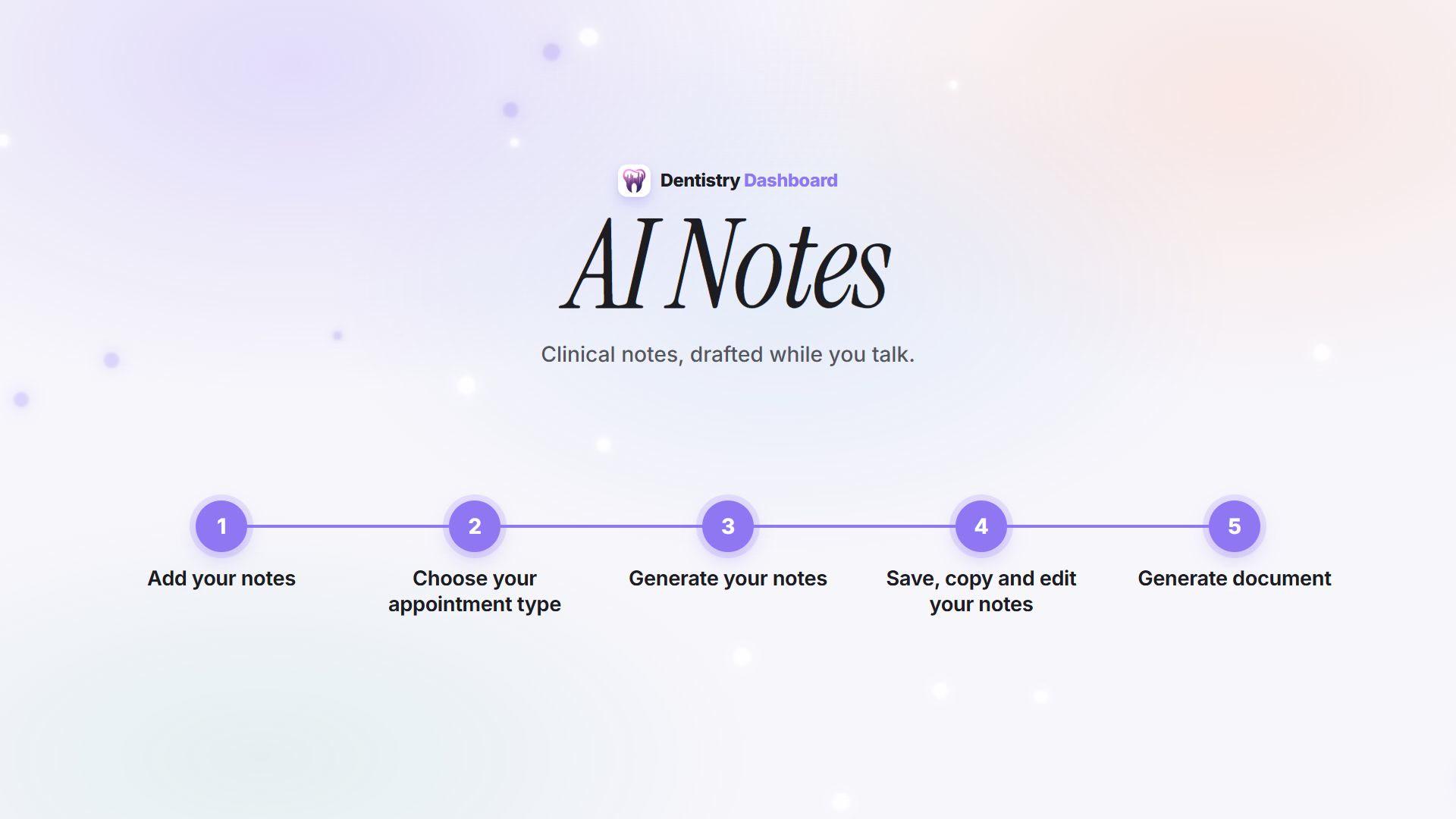
3 minHow AI Notes works
From recording the consultation to a reviewed note ready to paste into your patient record.