
Dentist Zone
6 Point Charting
Call out a six-point perio chart as you probe, then review the readings, the figures and the PDF.
2 minEnglish captions
What this film covers
- Charting by voice, with "missing" and "again" for a tooth
- Readings under their own sites, with bleeding, plaque and the 4 mm and 5 mm+ pockets counted
- Attachment level worked out, quick edits and undo
- Saved charts by patient, a PDF report, the figures in your AI note draft and the Dentally fill
Read the transcript
Perio charting usually needs a second pair of hands. With 6 Point Charting, you call out the readings yourself. Press record and chart as you probe: pocket depths, bleeding, recession, plaque, whatever you find. A tooth missing? Say missing. A slip? Say again. Teeth already marked missing are skipped.
Stop, and the chart fills in, every reading under its own site. The figures that matter are worked out for you: sites recorded, bleeding and plaque, every four and five millimetre pocket. Attachment level is calculated from pocket depth and recession, so there's nothing to add up.
Change any reading with a tap, or undo the last recording in one click. Save the chart under your patient, and download a clean report whenever you need one. Chart during an AI Notes appointment, and the figures go into your note draft, for you to check.
On Dentally? The AI Notes extension fills in pocket depths and recession for you to review and save. 6 Point Charting is part of Dentist Zone, from Dentistry Dashboard. Start your 14-day free trial.
Watch next
More from Dentist Zone.
 2 min
2 minPatient Education
Videos, pictures and explainers to show your patient in the chair, and a QR code so they can keep them.
 3 min
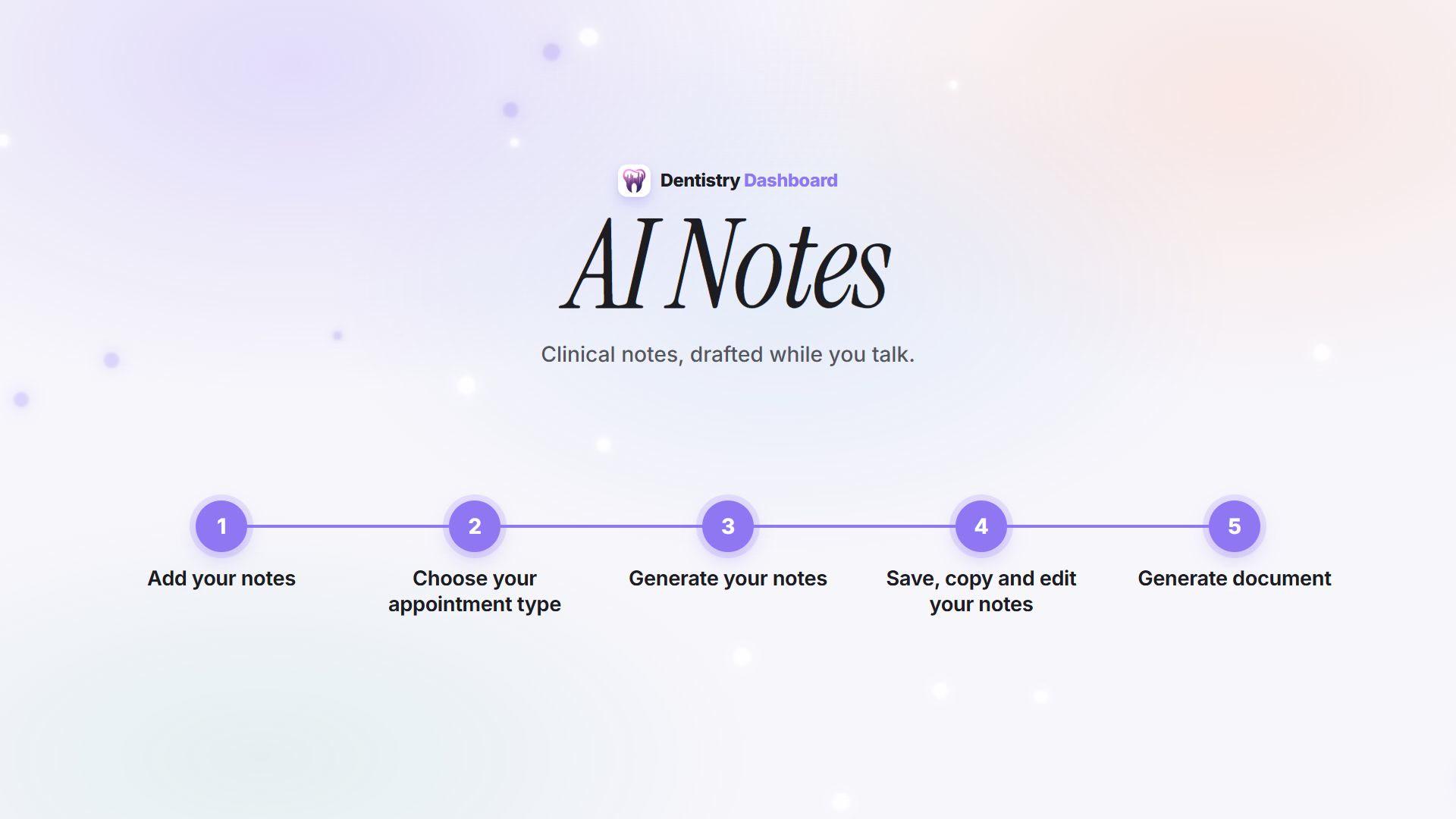
3 minHow AI Notes works
From recording the consultation to a reviewed note ready to paste into your patient record.
 46 sec
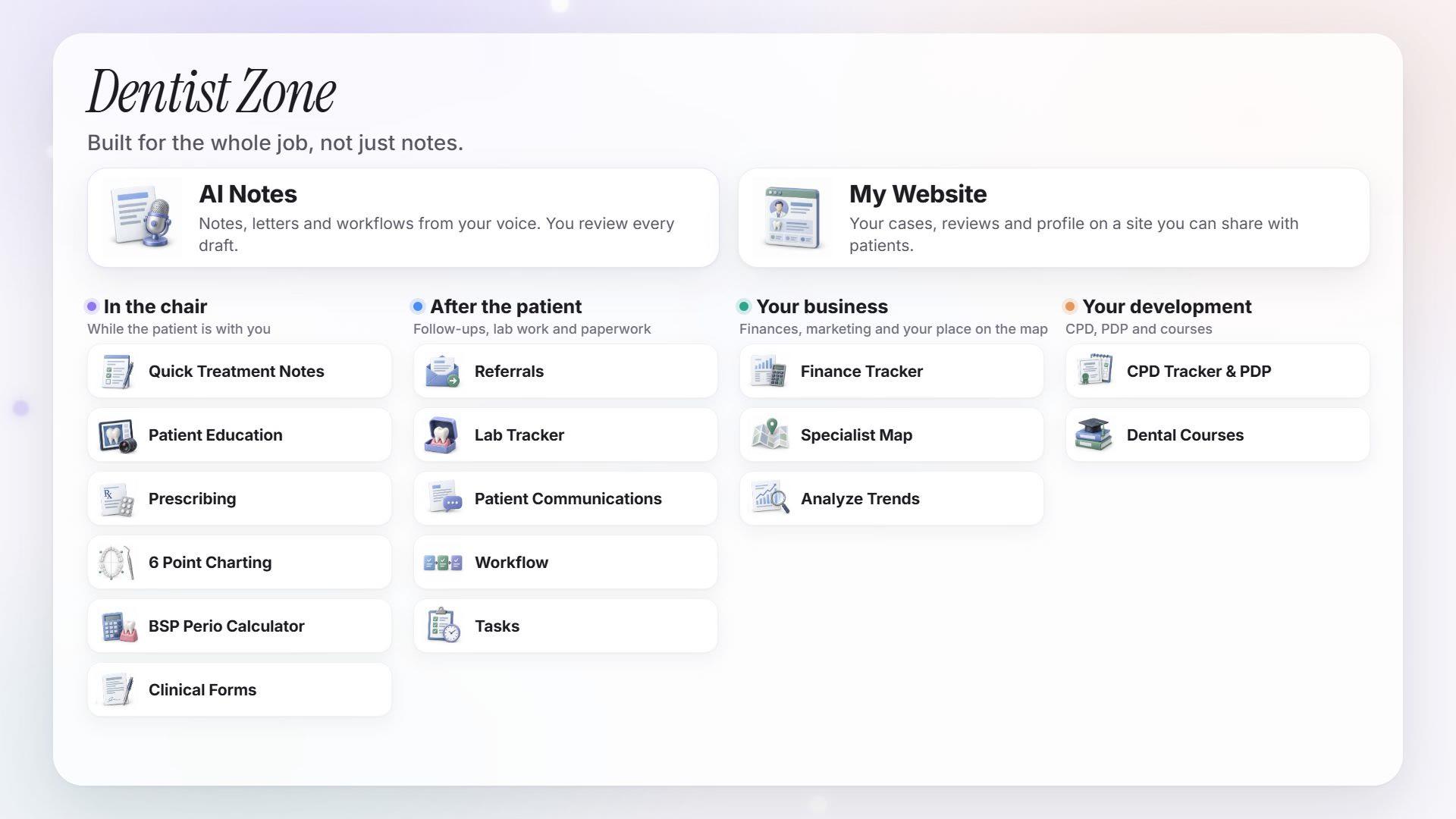
Dentist Zone in 46 seconds
A quick look at AI Notes and the personal tools that come with Dentist Zone.