
Dentist Zone
Patient Education
Videos, pictures and explainers to show your patient in the chair, and a QR code so they can keep them.
2 minEnglish captions
What this film covers
- Your library of patient videos, and your own photos with an AI-drafted description
- AI Picks suggesting what to show while AI Notes records
- Visual explainers with a spoken guide, and treatment options side by side with your fees
- Presentations, a screen facing your patient, and Send home
Read the transcript
Some things are easier to show than to say. Patient Education gives you videos, pictures and explainers to show your patient, right there in the chair. Open it from Dentist Zone, or beside AI Notes. Your library starts with ready-made patient videos, sorted by topic. Add your own photos, and AI drafts the title and description for you to check.
While you record in AI Notes, AI Picks suggests what to show, from what you're discussing. Visual explainers walk through common conditions, from decay and gum disease to cracked teeth and worn teeth. Step through the examples, turn the tooth to a cutaway or the chewing surface, and switch the labels on.
Or press Play explanation, and a spoken guide walks your patient through it, with subtitles. Then compare the treatment options side by side: what each involves, the visits, and your fee from your price list. Build a presentation once, with videos and explainer pictures, and use it for every patient who needs it.
Put it on the screen facing your patient, and it follows you, slide by slide. Press Send home, and your patient scans the code to keep it on their phone. No login needed. You can add the same explainer pictures to their Interactive Care Plan, too.
Patient Education sits alongside AI Notes, Quick Treatment Notes, referrals, your finances, and so much more. Patient Education is part of Dentist Zone, from Dentistry Dashboard. Start your 14-day free trial.
Watch next
More from Dentist Zone.
 2 min
2 min6 Point Charting
Call out a six-point perio chart as you probe, then review the readings, the figures and the PDF.
 3 min
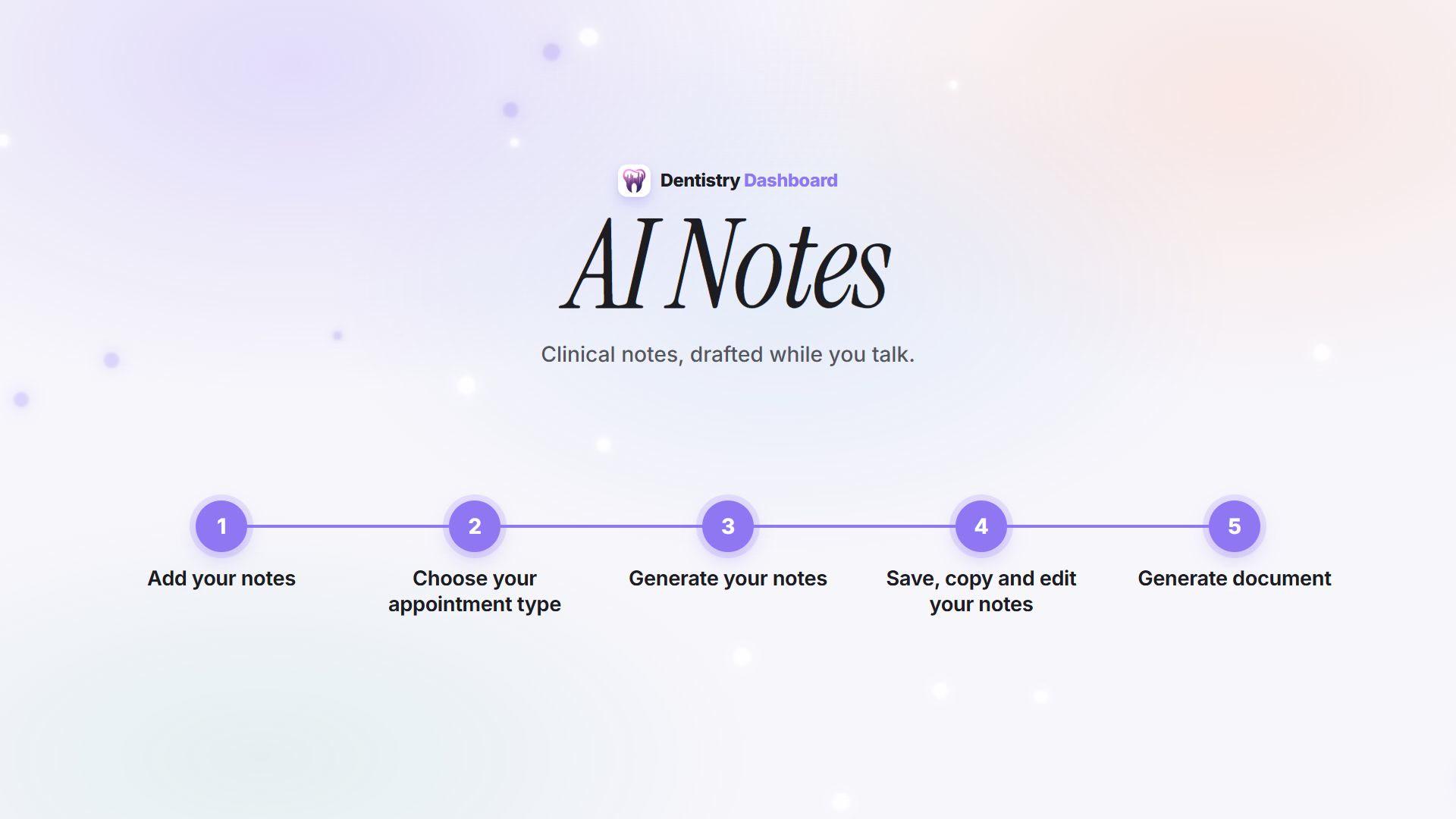
3 minHow AI Notes works
From recording the consultation to a reviewed note ready to paste into your patient record.
 46 sec
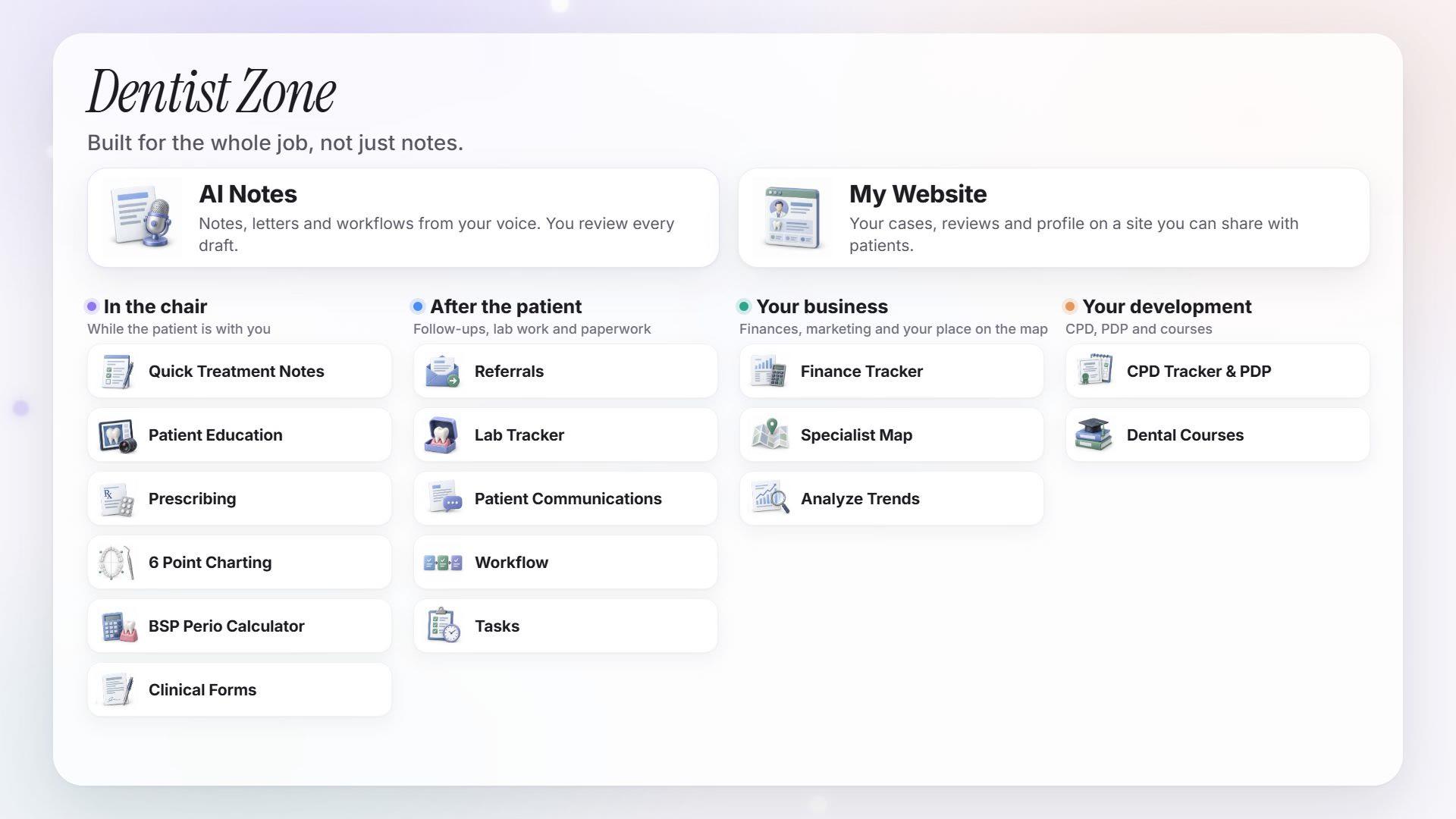
Dentist Zone in 46 seconds
A quick look at AI Notes and the personal tools that come with Dentist Zone.