
Dentist Zone
Finance Tracker
Your own record of what you have earned, what each practice paid and what goes to your accountant. Your practice never sees it.
2 minEnglish captions
What this film covers
- Logging each patient from beside your notes in AI Notes, or a whole day or month in one go
- Expected earnings from your rates, UDA pace on the days you work, and a rough guide to what to put aside for tax
- The month-end check, with lab bills your practice assigns you and its reviewed Associate Wages statement
- Reading a receipt with AI for you to check, and numbered invoices downloaded as a PDF or emailed to the practice
- A tax pack for your accountant with an AI-drafted checklist, and your own PIN
Read the transcript
As an associate, your pay is your own business. Finance Tracker keeps it straight, and only you can see it. Finish with a patient, open Finance Tracker beside your notes, and log their UDAs or private fees in a few taps. Or log it per day, or per month, in one go.
Your rates for each practice turn that work into expected earnings as you go. Set a UDA target, and your pace counts only the days you work there, skipping bank holidays. A rough guide shows how much to put aside for tax, so you can plan ahead.
At month end, enter what each practice paid you, and the difference shows straight away. If your dental practice uses Dentistry Dashboard, the lab bills it assigns to you come in by themselves, and any you've queried aren't counted. And if it runs Associate Wages, its reviewed statement fills in with one tap.
Take a photo of a receipt, and the AI fills in the expense for you to check. If you invoice, turn your logged work into a numbered invoice, then download the PDF or email it to the practice. At year end, your tax pack is ready for your accountant, with an AI-drafted checklist of anything to gather first.
Your practice never sees any of it, and you can lock it with your PIN. Finance Tracker is part of Dentist Zone, from Dentistry Dashboard. Try it free for fourteen days.
Watch next
More from Dentist Zone.
 2 min
2 minMy Website
A website of your own, with your cases, treatments and how to book, and messages from patients in one place.
 3 min
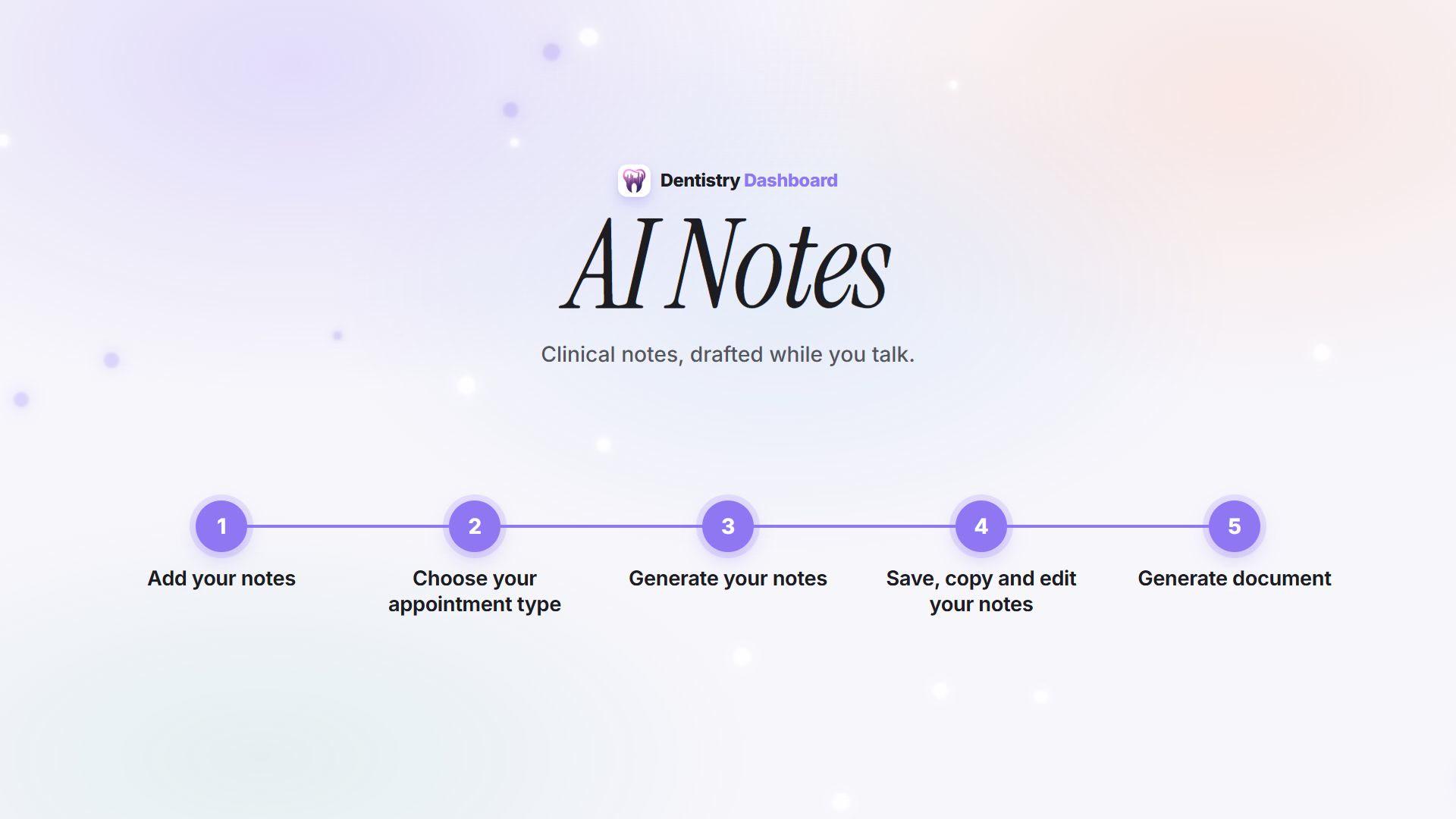
3 minHow AI Notes works
From recording the consultation to a reviewed note ready to paste into your patient record.
 2 min
2 minQuick Treatment Notes
A treatment note from a few taps when there is no recording, drafted by AI for you to check.