Dentist Zone · AI Notes
How AI Notes works
From recording the consultation to a reviewed note ready to paste into your patient record.
3 minEnglish captionsWatch on YouTube
What this film covers
- Recording the consultation, in two languages if you need to
- Choosing a template, or bringing your own
- Reviewing, dictating into and revising the draft
- Approving the note and pasting it into your patient record
- Letters, consent forms, referrals and care plans from the same consultation
Read the transcript
Every consultation ends with notes to write. AI Notes drafts them while you talk, so your attention stays with your patient. Here's how it works, step by step.
Before clinic, there are two optional extras. You can paste today's list to set up a draft for each patient. And you can paste in their last visit's notes, for context.
In the chair, press Start Transcribing, and talk with your patient as you normally would. Your words appear in the transcript as you go, and you can pause at any time. If your patient speaks another language, add it, and both are transcribed.
Can't record in the room? Dictate a summary afterwards, or upload a recording. Next, choose a template, like a dental exam, hygiene, or an emergency examination. Star your favourites to keep them close to hand.
Or bring your own. Paste it in, or upload a Word or PDF file. Then press Generate Notes. If something wasn't clear, AI Notes may ask a quick question first. Answer what you can, or skip it.
Then your draft appears, laid out in your template. It's a draft, so read it through, and change anything you like. To add something, click where it should go, and press Dictate here.
Or tell the AI how to revise it, and preview the changes before you accept them. Earlier versions are kept, so you can always go back. When you're happy, tick to approve it, copy the note, and paste it into your patient record.
AI Notes never writes to your practice software. What goes in is up to you. From the same consultation, you can create the paperwork too. Patient letters, consent forms, and letters back to the referring dentist, all on your practice letterhead.
Referrals can go straight to a specialist on Dentistry Dashboard. Or fill in a referral form, drafted from the consultation. And an Interactive Care Plan takes your patient through their treatment, fees and next steps, on their phone.
Beside your notes, there's more. While you record, AI Picks suggests videos and guides to show your patient. Visual explainers walk them through what's happening, stage by stage.
You can chart perio by voice. And follow your checklists as you go. If you're interrupted mid-recording, your transcript is kept, and it comes back when you reopen the note.
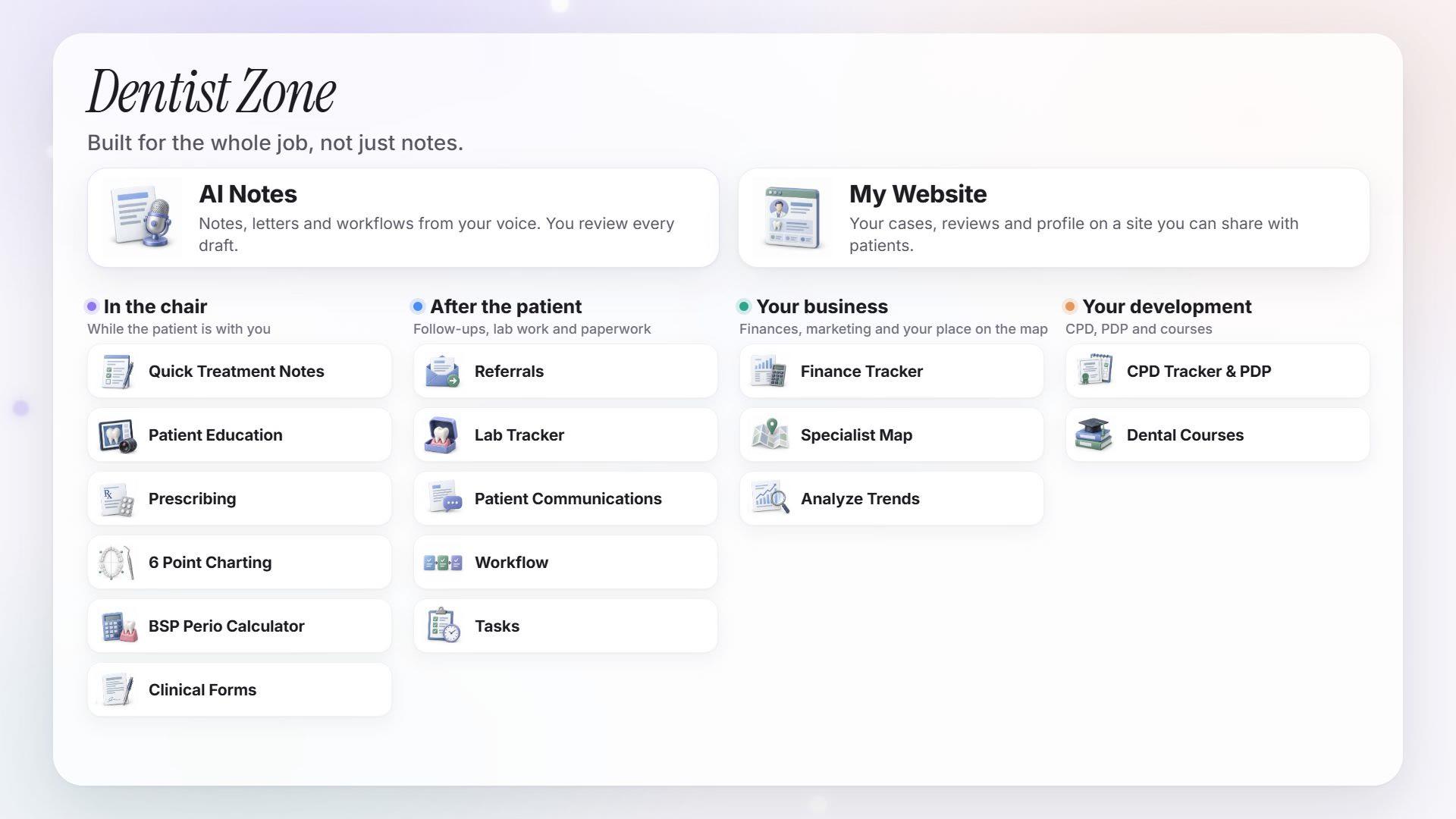
And every note stays a draft until you've reviewed and approved it. AI Notes is part of Dentist Zone, from Dentistry Dashboard. Start your 14-day free trial.
Watch next
More from Dentist Zone.