
Dentist Zone
Workflow
Checklists for the steps to cover and the items to get ready, shared with your nurse and your team.
2 minEnglish captions
What this film covers
- Your checklists beside AI Notes, the ones you used last at the top
- A set-up list shared by QR code, ticked on your nurse's phone and shown on your screen as it happens
- Headings, Important steps, and Start again for the next patient
- Sending a checklist to colleagues, who each accept their own copy
- An AI draft from your description or your own list, checked before you save
Read the transcript
Every appointment has things to say and things to get ready. Workflow keeps them as checklists you use every time. Open Workflow beside AI Notes, and your checklists are there, the ones you used last at the top. Share your root canal set-up with a QR code, and your nurse ticks off each item from a phone, with no login.
Every tick shows on your screen as it happens, and you can stop sharing at any time. In the chair, open the steps you want to cover, like an extraction consent discussion, and tick as you go. Headings split a long list into stages, and important steps stand out.
In AI Notes, the Workflow button shows how many steps are left. When every step is ticked, press Start again for the next patient, and it shows when you last completed it. Share a workflow with your team by email, and each colleague accepts their own copy.
So everyone in your dental practice follows the same steps. To make a new one, describe it, or paste the list you already use. AI drafts the checklist, with headings, and you check it before you save.
Or write your own, or start from a ready-made one. Workflow is part of Dentist Zone, from Dentistry Dashboard. Try it free for fourteen days.
Watch next
More from Dentist Zone.
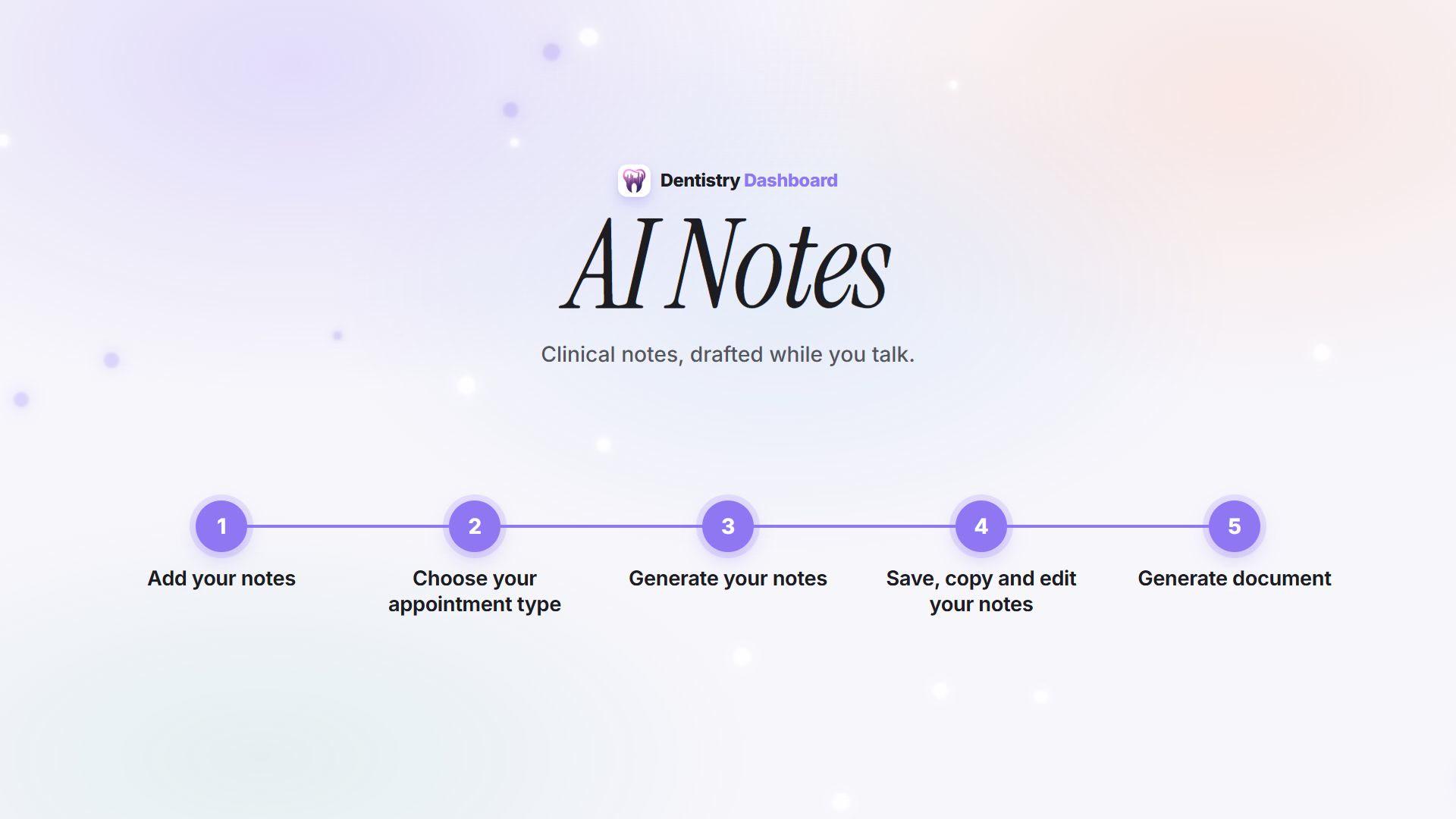 3 min
3 minHow AI Notes works
From recording the consultation to a reviewed note ready to paste into your patient record.
 2 min
2 minPatient Education
Videos, pictures and explainers to show your patient in the chair, and a QR code so they can keep them.
 2 min
2 min6 Point Charting
Call out a six-point perio chart as you probe, then review the readings, the figures and the PDF.